
Join by invitation
TruFriend is open in Dubai, Riyadh, Kuwait City and Cairo with founding members. You join with a personal invite link from a member, or from our list when a place opens. There’s no password: you sign in with a 6-digit code sent to your email.
- For grown-ups 18 and over who live in Dubai, Riyadh, Kuwait City or Cairo
- Every member can invite up to 3 people they’d be happy to see in the community
- Free for founding members
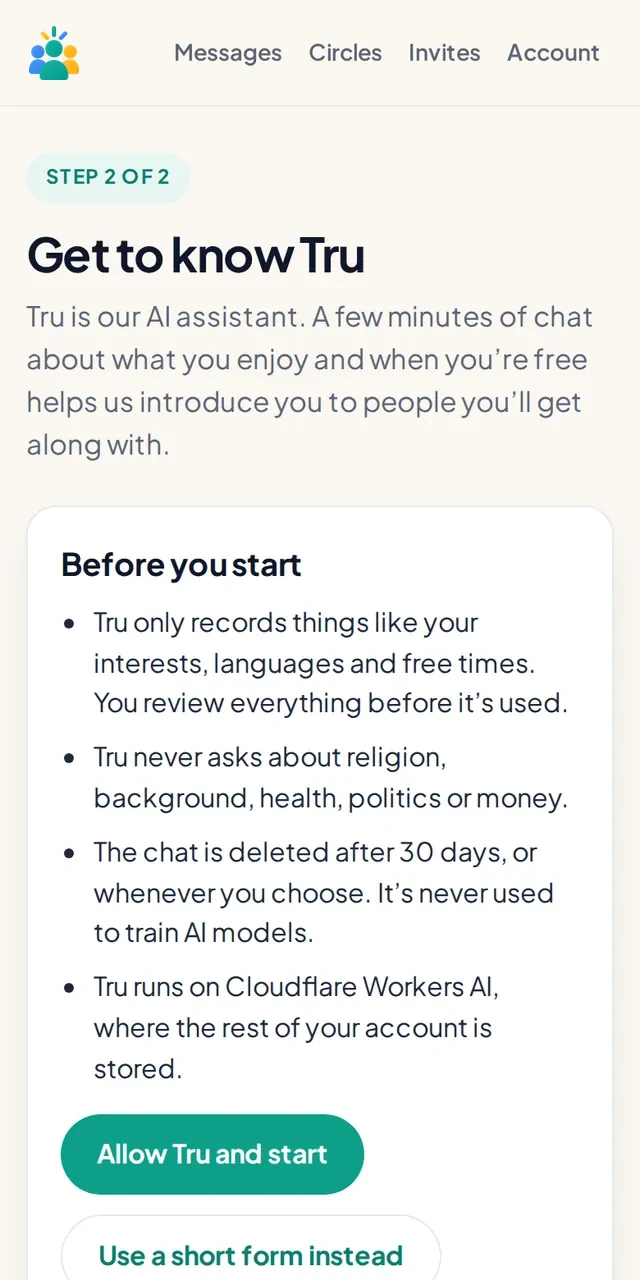
Get to know Tru
Tru is our AI assistant. In a few minutes of private chat, Tru learns what you enjoy, when you’re usually free, which languages you speak and how far you’d travel. Prefer not to chat? Fill in a short form instead.
- You review everything before it’s used, and choose what other members can see
- Tru never asks about religion, background, health, politics or money
- Your chat with Tru is deleted after 30 days, or sooner if you choose
Meet a few good fits
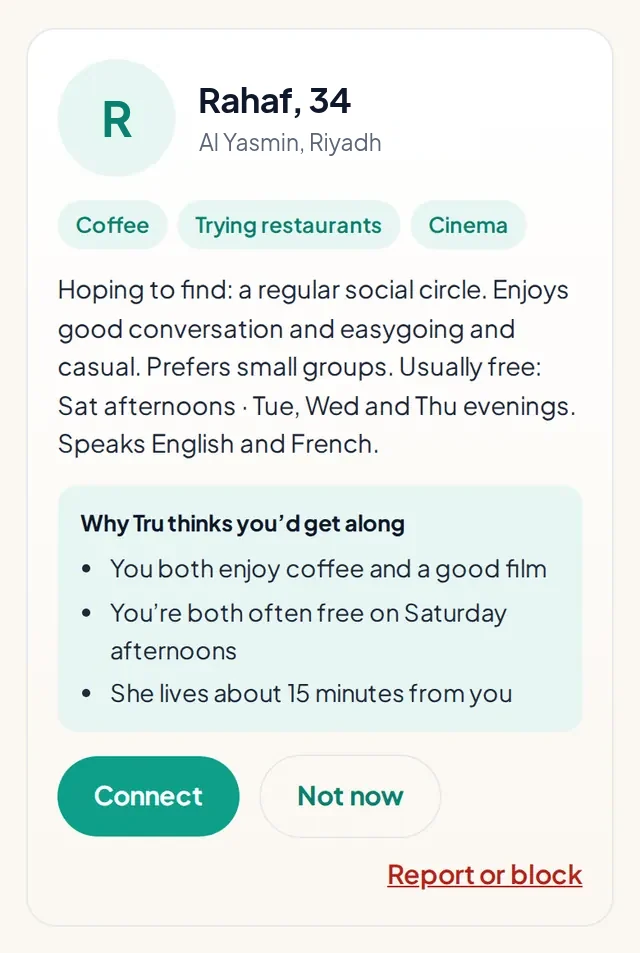
Instead of an endless feed, TruFriend introduces you to a few people who fit, and explains why. A person on our team checks each introduction before it’s sent.
- Suggestions look at shared interests, free times, languages, age and travel time
- Choose Connect or Not now: you’re only connected if you both say yes
- Nobody is told if you pass
Message when you both say yes
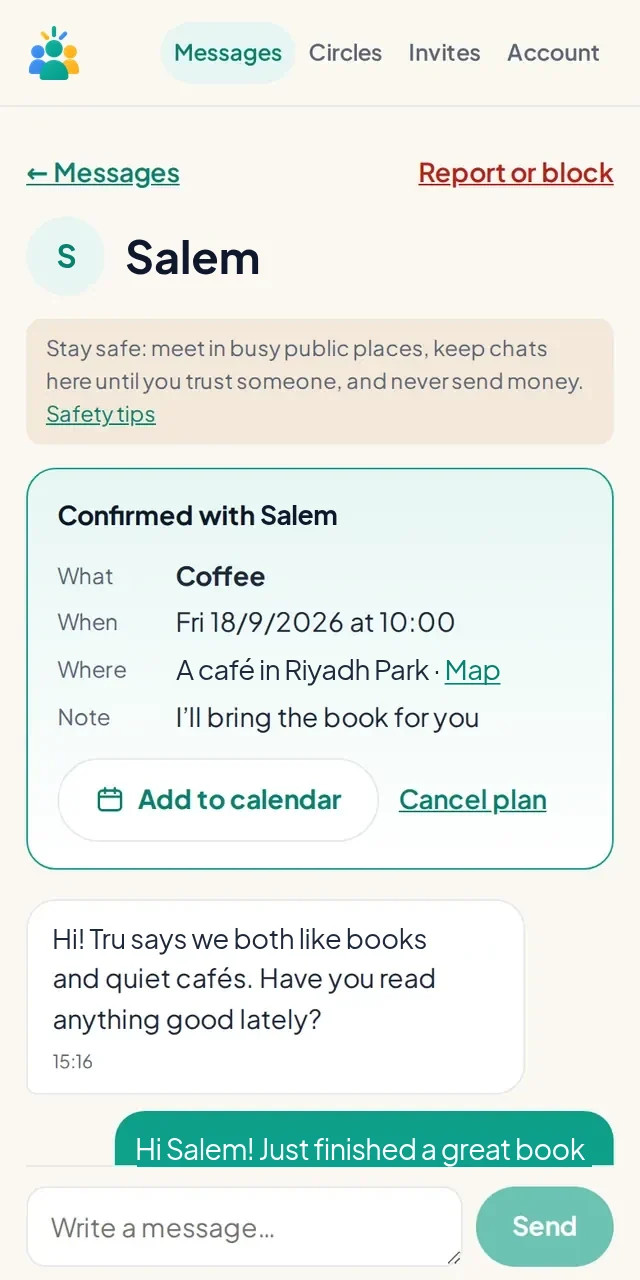
Once you’re connected, you can message each other in the app. You’ll get an email if you have new messages while you’re away, at most once an hour.
- Keep chatting in TruFriend until you feel comfortable sharing your number
- Report or block is always one tap away
Make a real plan
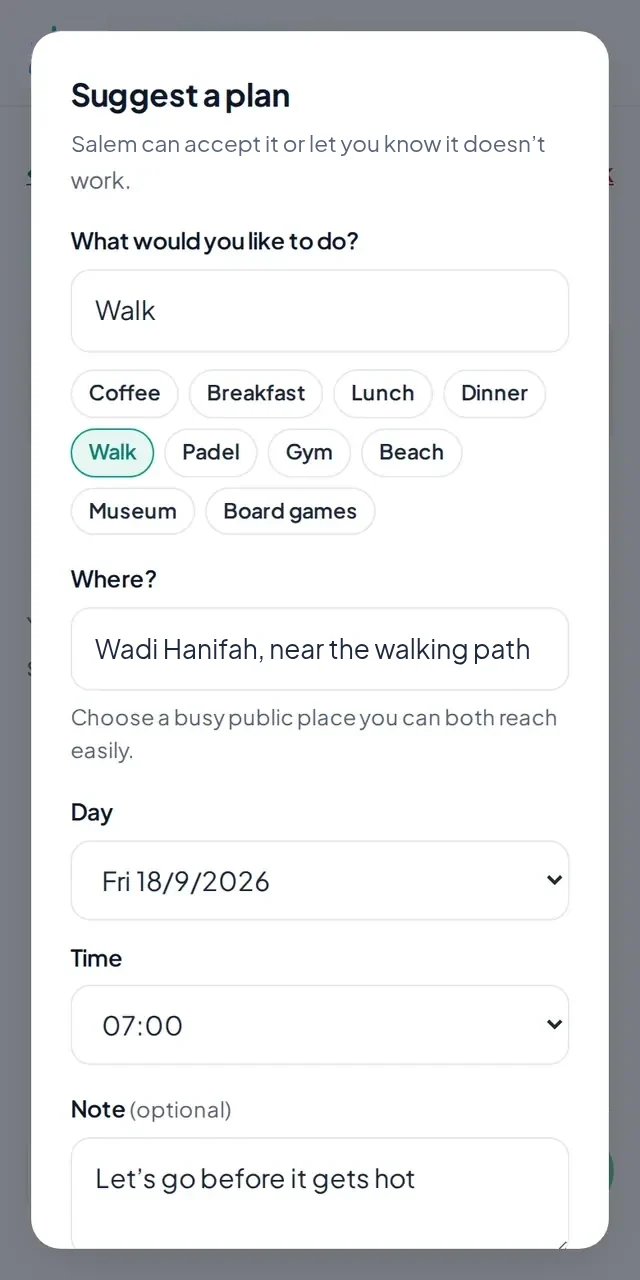
Either of you can suggest a plan: what to do, a busy public place, a day and a time. The other person accepts or lets you know it doesn’t work.
- Add accepted plans to your calendar and open the place on a map
- We email you both a reminder beforehand
- Plans can be cancelled any time, and we let the other person know
Tell us how it went
After a plan, TruFriend asks you privately: did you meet, would you meet again, and did you feel safe and respected? The other person never sees your answers.
- Your answers help Tru suggest better people for you
- If you want to see someone again, we’ll remind you to plan the next one
- If something didn’t feel right, our team is told and you can report the person
Join circles
Circles are small, friendship-only groups around a shared interest, such as padel, food, books, walks or languages. Each week, a circle answers one quick question together.
- Results appear once enough members have answered, so answers stay anonymous
- Add a short note, and choose whether we may quote it with your first name
- Tru uses your circles to suggest people and plans
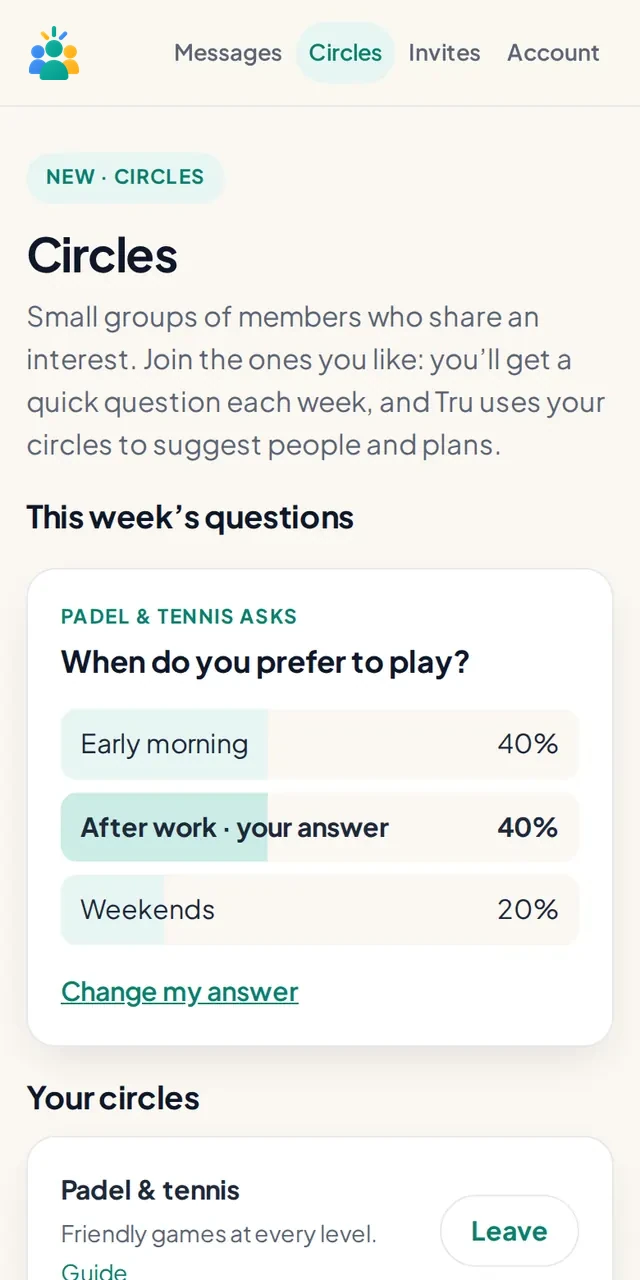
Your week and Tru Thursday
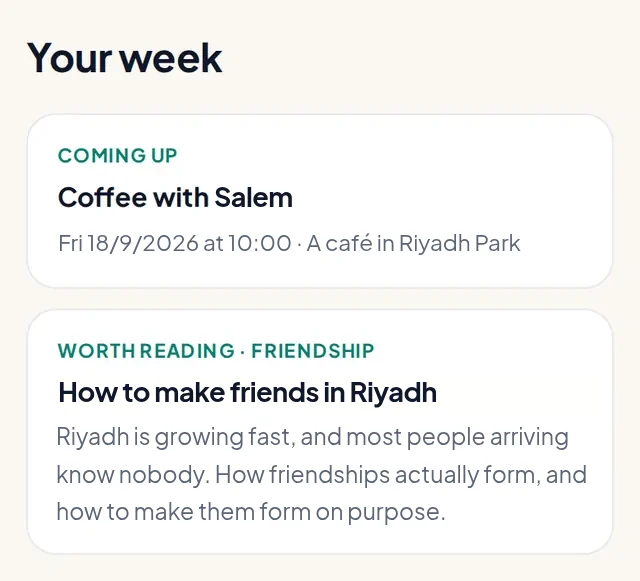
Your Home page shows what’s happening this week: upcoming plans, people you wanted to see again, a circle question and something worth reading. Every Thursday, Tru Thursday sums it up in one short email.
- One email a week, never a stream of notifications
- Switch it off in Account or with the link in any email
Stay safe
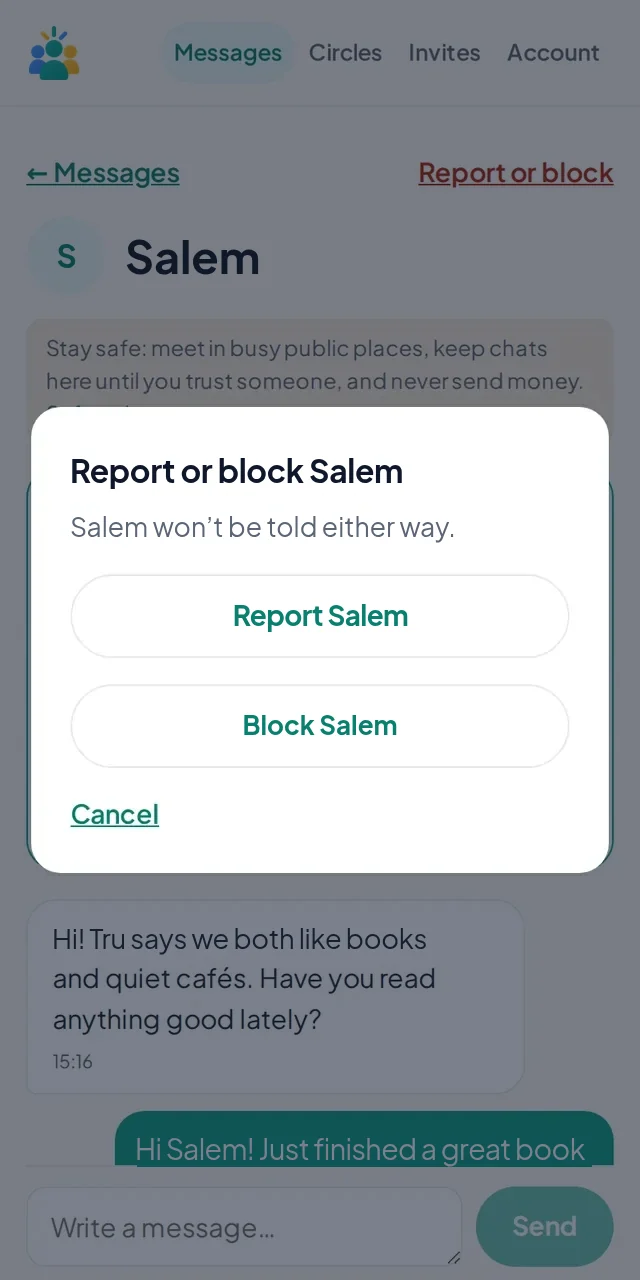
Meet in busy public places, travel on your own and never send money. If anyone makes you uncomfortable, report or block them. Blocking is instant, and a real person reviews every report.
- The other person is never told who reported them
- In an emergency, call 999 in the UAE, 911 in Saudi Arabia, 112 in Kuwait or 122 in Egypt
Where to find things in the app
| Home | Your introductions, Your week and anything that needs an answer |
|---|---|
| Messages | Chats with the people you’re connected with, and your plans |
| Circles | Join circles and answer the weekly questions |
| Profile | Your friendship profile and photo, and what others can see |
| Invites | Your personal invite links |
| Account | Your basics, privacy choices, the weekly email, your data and account deletion |
Still have a question? Read the FAQ or contact us.